The Performance Reality: Astro vs WordPress
In the modern digital economy, speed is not a luxury; it is a fundamental requirement for business growth. When we discuss Astro vs WordPress, we are not just comparing two ways to build a website. We are comparing a legacy system built for the web of 2003 with a modern, high-performance engine built for the web of 2024. For business owners, this distinction manifests directly in search engine rankings, conversion rates, and user retention.
"Every 100ms of latency costs 1% in sales." — This industry standard has never been more relevant than in the age of Core Web Vitals.
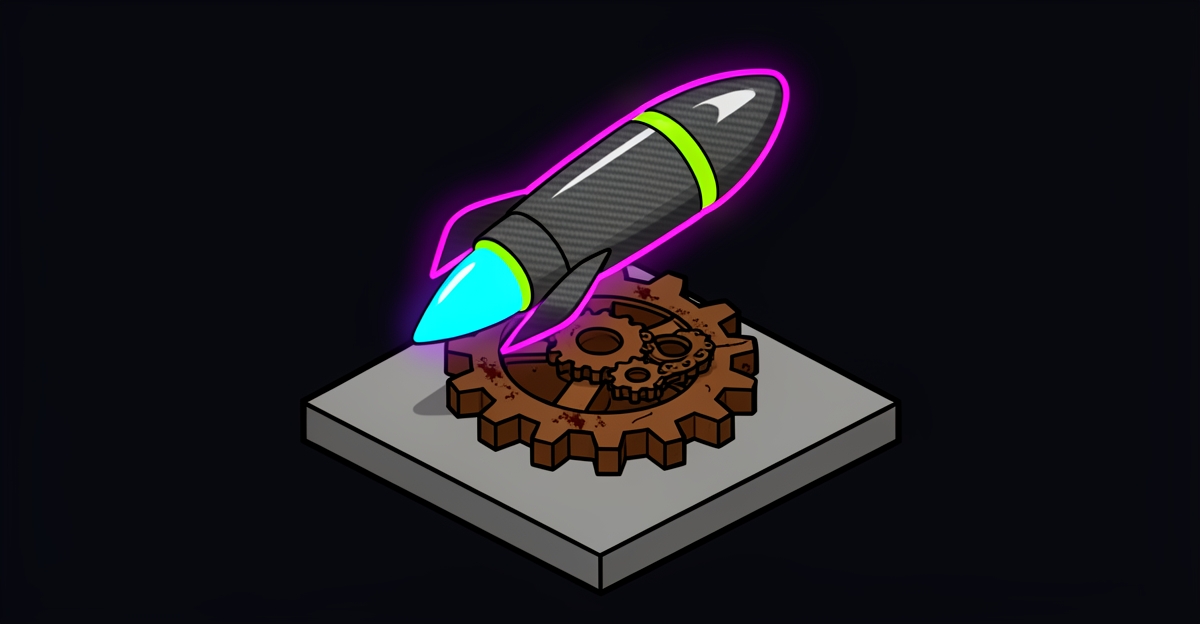
WordPress currently powers over 40% of the web, but its architecture is inherently heavy. Every time a user visits a WordPress site, a server must process PHP code, query a database, and assemble a page before sending it to the browser. In contrast, Astro utilizes a static-first approach, pre-rendering pages into pure HTML and CSS. This eliminates the server-side bottleneck, allowing for near-instant load times that are visible to both humans and machines.
Key Takeaways for Decision Makers
- Astro vs WordPress Speed: Astro sites frequently hit 100/100 on Lighthouse out of the box, while WordPress requires aggressive caching and expensive plugins to reach 80+.
- Zero-JS by Default: Astro ships zero JavaScript to the browser until it is absolutely necessary, drastically improving LCP (Largest Contentful Paint).
- Security & Maintenance: Static-first architectures eliminate the primary attack vectors (SQL injection, plugin vulnerabilities) that plague WordPress sites.
- Global Scale: By leveraging the Cloudflare ecosystem, Astro sites are distributed to the edge, putting content 30ms away from any user globally.
Decoding the Performance Gap: Why WordPress Struggles
WordPress is a monolithic CMS. While its flexibility is legendary, it comes at a significant cost to Web Performance. The standard WordPress installation relies on a sequence of synchronous events: the user requests a page, the server executes PHP, the database is queried, and the theme files are processed. By the time the HTML reaches the user, valuable milliseconds (or seconds) have already passed.
Furthermore, the WordPress ecosystem relies heavily on plugins. Each plugin typically adds its own CSS and JavaScript files. On a standard site with 20+ plugins, the browser is forced to download and execute massive amounts of redundant code. This results in poor Core Web Vitals, specifically affecting the Total Blocking Time (TBT) and Cumulative Layout Shift (CLS).
The Astro Revolution: Static-First & Island Architecture
Astro flips the script on web development. Instead of building a heavy application that runs in the user's browser, Astro builds your site during the deployment phase. This results in a collection of static files that can be hosted anywhere, most notably on high-performance edge networks like Cloudflare.
What is Island Architecture?
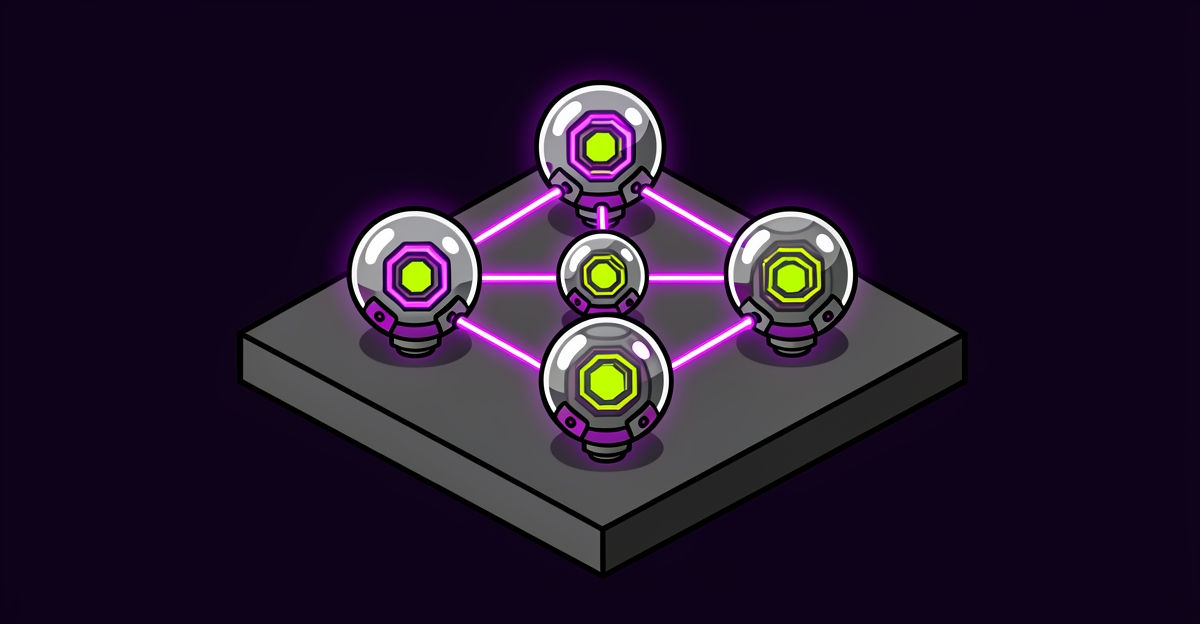
One of the most significant advantages in the Astro vs WordPress comparison is Island Architecture. In a typical modern web app (like those built with Next.js or React), the entire page is hydrated with JavaScript, even static text. Astro is different. It treats your page as a sea of static HTML, only adding "islands" of interactivity where they are actually needed (e.g., a search bar or a shopping cart).
- Isolated Interactivity: Only the specific component that needs JS loads it. The rest of the page remains lightweight HTML.
- Parallel Loading: Islands load independently, preventing a single heavy script from blocking the entire page render.
- Reduced Execution Time: Because there is less code to parse, the browser's main thread stays free, leading to perfect performance scores.
LCP Optimization: Winning the SEO Game
Google has made it clear: Core Web Vitals are a ranking factor. Among these, LCP Optimization (Largest Contentful Paint) is often the hardest to master. LCP measures when the largest element on the screen becomes visible. In WordPress, LCP is often delayed by server response times (TTFB) and render-blocking resources. In Astro, because the HTML is already generated and delivered from the edge, LCP often occurs in under 1 second.
For 43Labs, building "Visible to Humans and Machines" means ensuring that generative engines and AI agents can crawl and understand your site instantly. A static-first architecture provides the cleanest possible semantic structure, making it the ideal foundation for AEO (Answer Engine Optimization).
Business Implications: Beyond the Score
Hitting 100/100 on Lighthouse is not just about vanity; it’s about the bottom line. A faster site leads to better user experience, which leads to higher conversions. When comparing Astro vs WordPress from a business perspective, consider the following:
- Infrastructure Costs: WordPress requires managed hosting with high CPU/RAM to handle traffic spikes. Astro sites can be hosted on Cloudflare Pages with zero egress fees and minimal cost, regardless of traffic volume.
- Developer Velocity: Astro allows for modular development. You can use React, Vue, or Svelte components within the same project, making it future-proof.
- Sustainability: Lower server usage means a smaller carbon footprint. High-performance code is green code.
Conclusion: Why 43Labs Chooses Astro
At 43Labs, we build autonomous digital ecosystems that are designed to scale without friction. While WordPress remains a viable choice for simple blogs, it cannot compete with the raw efficiency of an edge-native, static-first architecture. If your goal is to dominate search results and provide a surgical user experience, the choice is clear. Astro provides the framework necessary to achieve 100/100 scores while maintaining the flexibility your business needs to grow.